

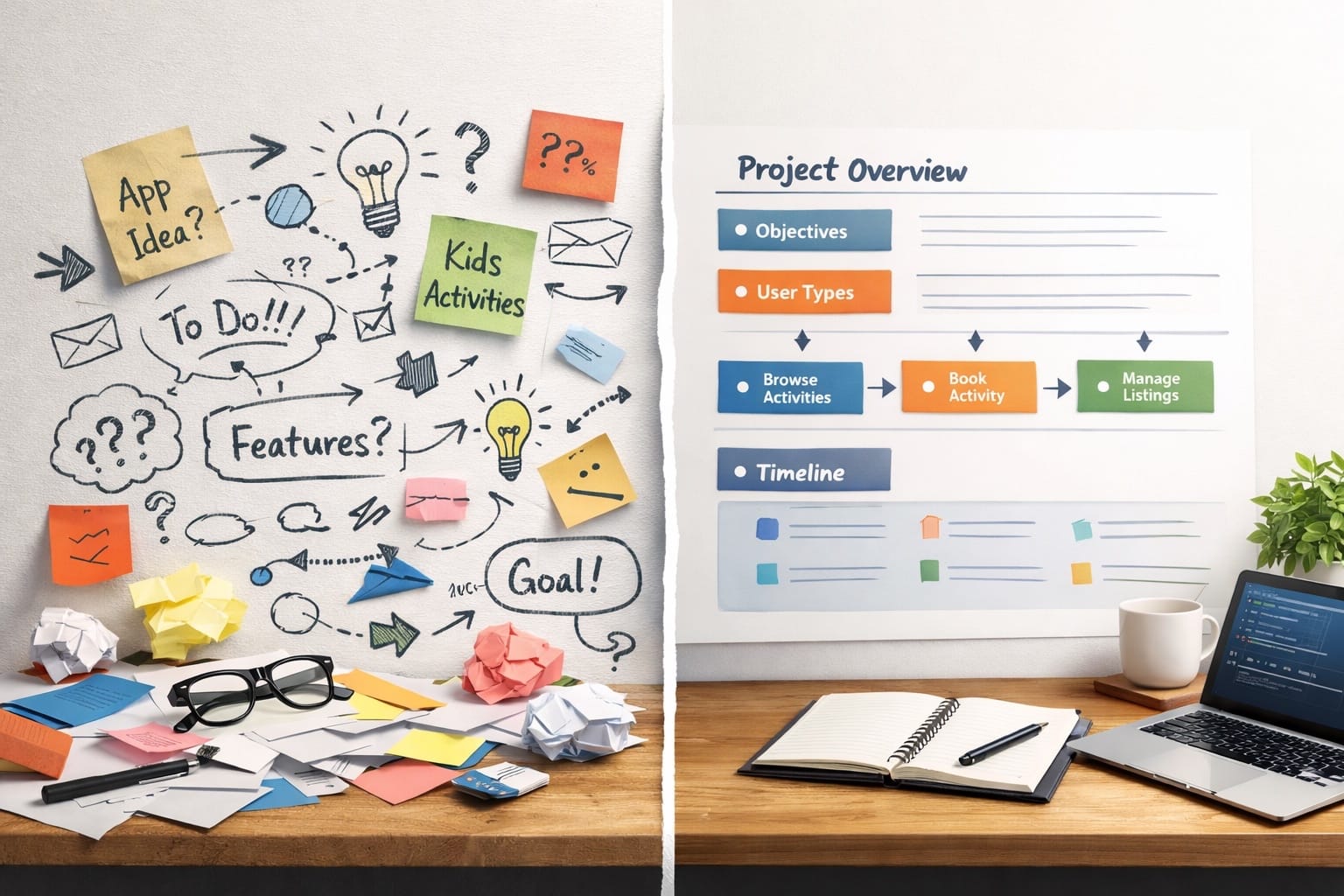
How to Turn Ideas into Clear Project Plans Using AI
Many people have great ideas for apps, websites, or digital platforms. The real challenge isn’t the idea itself, it’s being able to clearly explain your project idea so a development team can build it effectively.
When a project request is vague, it often leads to delays, misunderstandings, and higher development uncertainty. The good news is that Artificial Intelligence (AI) can help you turn rough ideas into a clear project plan or project requirements document before you even speak to a software company.
Here’s how to do it step by step.
Let’s imagine you want to build a platform that helps parents find and book trusted after-school activities for their children. Parents can browse options, compare programmes, and book activities, while activity providers can list their services and manage bookings.
Step 1: Start with the problem you want to solve
Before using AI tools, define the problem your project is solving.
Avoid jumping straight into features or technology. A strong problem statement gives your project direction and helps AI generate more accurate and relevant outputs.
Step 2: Describe your idea in simple language
Now, explain your idea in a clear, non-technical way as if you’re speaking to someone with general business knowledge.
Focus on:
- Who the solution is for
- What users should be able to do
- What outcome the platform should achieve
This step helps AI transform your idea into a structured project brief.
Example prompt:
“Help me explain this project idea in simple, non-technical language. It is for parents looking for after-school activities for their children and for activity providers who want to list their programmes. Parents should be able to discover and book activities easily, while providers should be able to showcase and manage their offerings. The goal is to make finding and booking children’s activities easier and more organised.”
Step 3: Ask AI to structure the idea into a specification
Now you can ask AI to organise your explanation into a project request specification.
The structure usually includes sections such as:
1. Project overview
2. Objectives
3. User types
4. Core features
5. Scope
AI is very good at turning scattered thoughts into organised sections.
Example prompt:
“Turn this project idea into a simple project request specification for a software development company. Keep it client-focused and non-technical. Use these sections: Project Overview, Objectives, User Types, Core Features, and Scope. Here is the idea: [paste your simple explanation here].”
Step 4: Define the users and how they interact with the platform
Most digital platforms have different types of users. For example, there may be regular users who interact with the platform and administrators who manage it behind the scenes. Start by identifying each user type and what they should be able to do. Then go a step further and describe how they move through the platform to complete their main task. Even if you’re unsure about some roles or flows, say so. AI can suggest reasonable defaults and help you shape a clear direction.
Example prompt:
“Based on this after-school activity booking platform idea, identify the main user types and clearly explain what each user should be able to do. Then describe the user journey for each type in a simple, step-by-step way, showing how they interact with the platform from start to completion of their main task. Keep everything clear, practical, and non-technical. If any roles or flows are unclear, suggest reasonable defaults.”
Step 5: Review and refine everything
AI helps with structure, but your judgment is still important. Read through the document carefully. Remove anything that does not apply. Add details where necessary. Make sure the final request truly reflects what you want to build. When this process is done properly, you move from a vague idea in your mind to a clear project request document that developers can actually work with. And that clarity often makes the difference between a smooth project and a frustrating one.
Conclusion
Using AI for project planning allows you to move from a rough idea to a clear, structured request. This not only improves communication with developers but also reduces risks, saves time, and lowers costs.
If you want better results from your next app or website project, start by creating a clear plan with AI.
Ready to turn your idea into a clear project plan? Start your application development journey today.